Skip to content
Features · Styles and fonts

The house standard in every equation.

Define once how equations should look and apply it across all your material, including files that already exist.

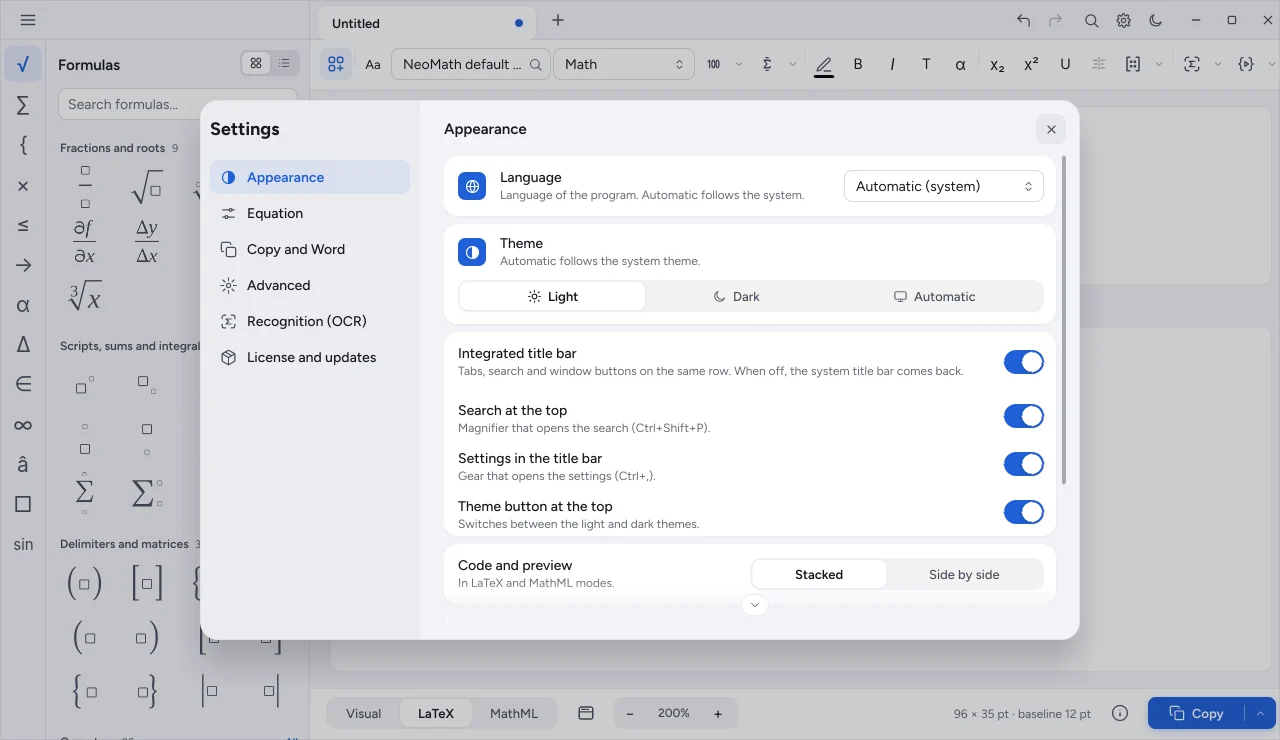
NeoMath equation settings
The problem

Without a standard, the book looks like a patchwork

  • Different fonts

    Each author uses a different font, and text and equation don't match.

  • Uneven spacing

    Small spacing differences show up on the printed page.

  • Changing everything is impossible

    Switching the standard mid-project means redoing equation by equation.

Neo's style applies to every equation, new and old.

House style

One style for the whole team

Eleven text styles (function, variable, Greek, symbol, vector, number and others), sizes and spacing are saved in a simple style you can share with the whole team.

  • Any installed font in each style
  • Free fallback fonts when one is missing
  • Share the same style across computers
NeoMath style and font options
Batch styling

Change the style of a whole folder

Swap fonts, sizes, spacing or the color of every equation in a folder. A preview first shows what will change; then a backup is made before saving.

  • Color in CMYK too
  • Each file is verified after saving
  • Undo restores the originals
Terminal
neomath estilizar pasta --cor blue --estilo Text=Georgia
neomath estilizar pasta --tamanho Full=14pt --aplicar
neomath estilizar-desfazer pasta
Where it applies

Where styles apply

  • NeoMath

    Active style on the toolbar and when saving.

  • NeoConverter

    Style applied to every converted equation.

  • NeoMath Web

    Font presets for the equation text.

  • Automation

    Command line, MCP, API and NeoScript accept the same style.

Shall we talk about your production?

Tell us what your team publishes and we'll recommend the right plan and rollout.