Skip to content
NeoConverter

Thousands of files converted, no rework.

Drop a folder, pick the destination for each type and follow the result. Equations, Word documents and chemistry in the same list.

Windows, macOS and Linux · Full report · Never overwrites without asking

The problem

Converting a collection by hand never ends

  • Too many files, one by one

    Hundreds of equations and figures scattered across folders, opened and saved one at a time.

  • Nobody knows what changed

    Without a report, a mistake along the way only shows up when the book is already at the printer.

  • The original is at risk

    Converting over the original file is a gamble: if it goes wrong, there is no way back.

Weeks of manual work that nobody wants to review.

NeoConverter does the heavy lifting: you choose, it converts and shows the result.

The solution

One window, every kind of file

One list

Drag whole folders of mixed types

Equations, Word documents and chemistry go in together. Filter by type with one click and convert only what is showing.

  • Loose files or folders, with or without subfolders
  • Filter by type, with counts
  • Destination per type, with a Do not convert option
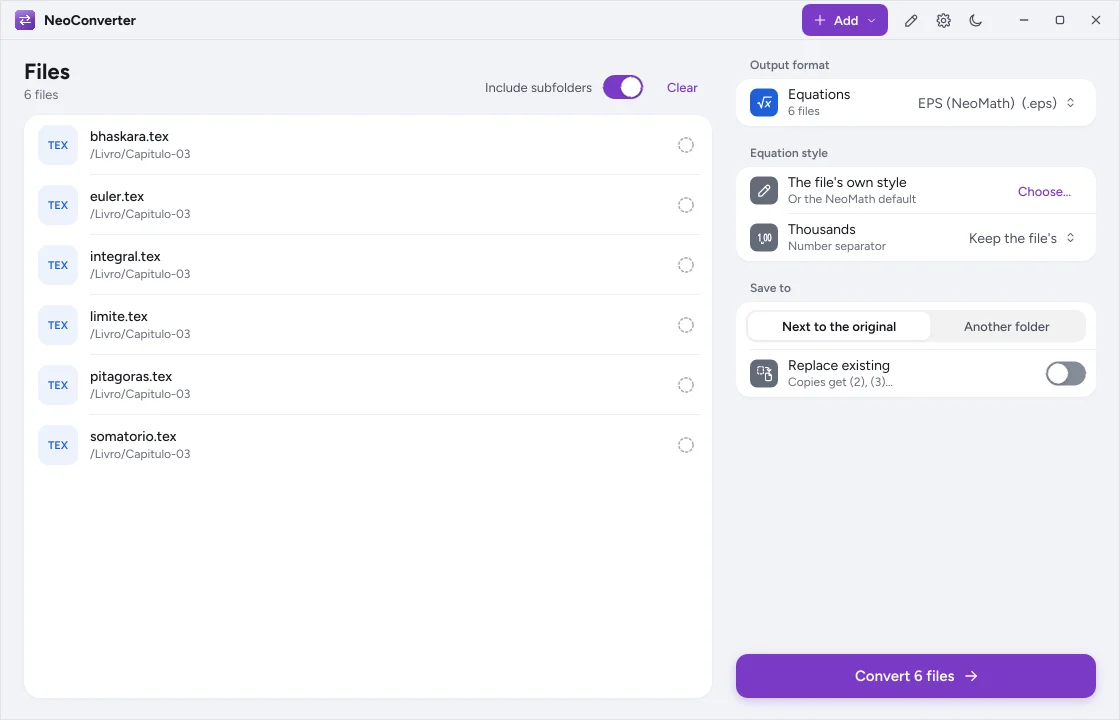
NeoConverter drop area
Safety

Nothing gets lost along the way

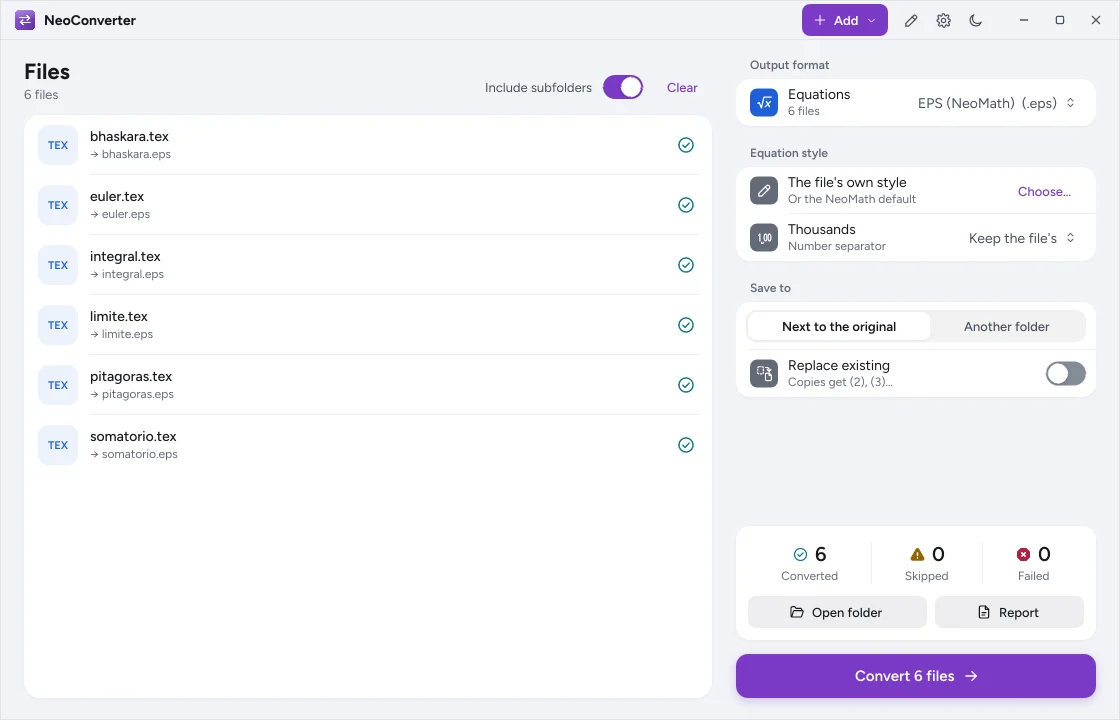
Without the Replace option, the name gets (2), (3)… Cancel stops right away and keeps what was already saved. At the end, a report shows each file, its status and a message.

  • Destination next to the original or in another folder
  • Subfolder structure kept
  • Report on screen and as a spreadsheet
Conversion result with converted, skipped and failed files
Style

Standardize while you convert

Apply the house style to every generated equation and extract one equation per file from inside Word documents.

  • One style for the whole collection
  • Equations numbered in document order
  • Chemistry and equations in the same pass
How it works

Three steps

  1. Step 1

    Add

    Files or folders with the Add button or by dragging into the window.

  2. Step 2

    Choose

    The destination for each type, the equation style and where to save.

  3. Step 3

    Convert

    Follow the progress and open the folder or the report at the end.

What it converts

What goes in and what comes out

  • Equations

    From one file style to another, in EPS, in images and in LaTeX or MathML.

  • Word documents

    Each equation in the document becomes a numbered file.

  • Chemistry

    Structures and reactions between the main chemistry standards.

  • Styles

    The house style applied to every generated equation.

Compatibility

On all three systems

  • Windows

    Included in the installer and in the Open with menu of the types it converts.

    • Without becoming the default program
  • macOS

    In the Neo installer.

    • Drag and drop from Finder
  • Linux

    In the Debian and Ubuntu package, with the same commands on the command line.

    • Conversion in scripts

Frequently asked questions

Does NeoConverter change my original files?

No. It saves new files next to the original or in a folder you choose, and only replaces an existing file if you turn on the Replace option.

Can I extract the equations from a book in Word?

Yes. Each equation in the document becomes a numbered file, in the destination you choose.

Is there a report to check?

Yes. On screen, with the numbers of converted, skipped and failed files, and in a spreadsheet with the file, status, output and message.

Convert your collection safely

Tell us how many files you have and we build the conversion plan with your team.