Skip to content
Integrations · InDesign

Living equations in the layout.

The plugin connects InDesign to the installed NeoMath. Each equation arrives linked, in the text color and aligned to the baseline, and updates itself when you save in the app.

In final validation in InDesign. Talk to us to take part.

The problem

Equations in layout tend to cause rework

  • Out of line with the text

    The equation sits above or below the line and needs adjusting one by one.

  • Author fixes become new artwork

    Every change means exporting and replacing the figure on the page.

  • Color and font off-standard

    The equation doesn't follow the book's style.

With Neo's plugin, the equation follows the book.

The solution

Everything layout asks for

Insert

At the cursor, in color and on the right line

Type LaTeX or MathML, or convert the selected text ($…$, \(…\) or <math>). The equation is saved as EPS in the folder you choose and lands anchored inline.

  • Chemistry formulas and reactions, and structures by name
  • Size, font and color per object
  • Alternative text for screen readers
Edit in the app

Open in NeoMath, save, done

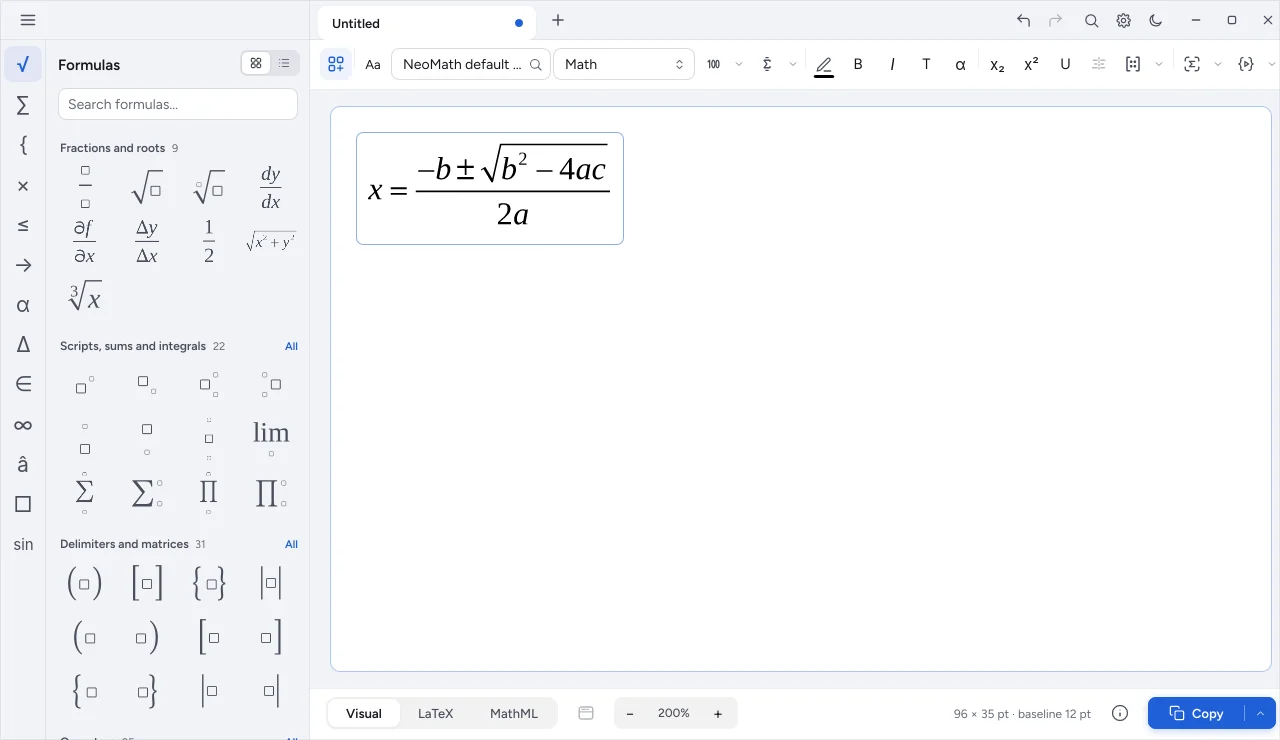
Edit in NeoMath opens the file in the app. When you save there, the link updates and the new code goes back to the object.

  • Document object list with page and status
  • Regenerate all with the current style
  • OCR of the selected image
NeoMath open to edit an InDesign equation
Versions

Plugin or scripts

  • Plugin

    Panel with Math, Chemistry and In document tabs.

  • Scripts

    The same actions as scripts, with a list of actions in a dialog.

  • Neo menu

    Persistent palette with a button per action and automatic link updating.

Specifications

At a glance

Files
EPS for equations and formulas; vector image for structures
Folder
The one you choose
Units
Positions in points, whatever the ruler
From the app
Insert into InDesign from NeoMath (Windows and macOS)

Frequently asked questions

Does the plugin work without NeoMath installed?

No. The plugin works together with the NeoMath installed on the computer, which guarantees the same result as the app.

When will it be available?

The plugin and scripts are in final validation in InDesign. Talk to a specialist for the dates and to join the rollout.

Can I update all the equations at once?

Yes. Change the style and ask to regenerate all: the links are updated across the whole document.

Talk about your layout workflow

We show the plugin with your files and plan the rollout together.